
Video Compressor for iPhone
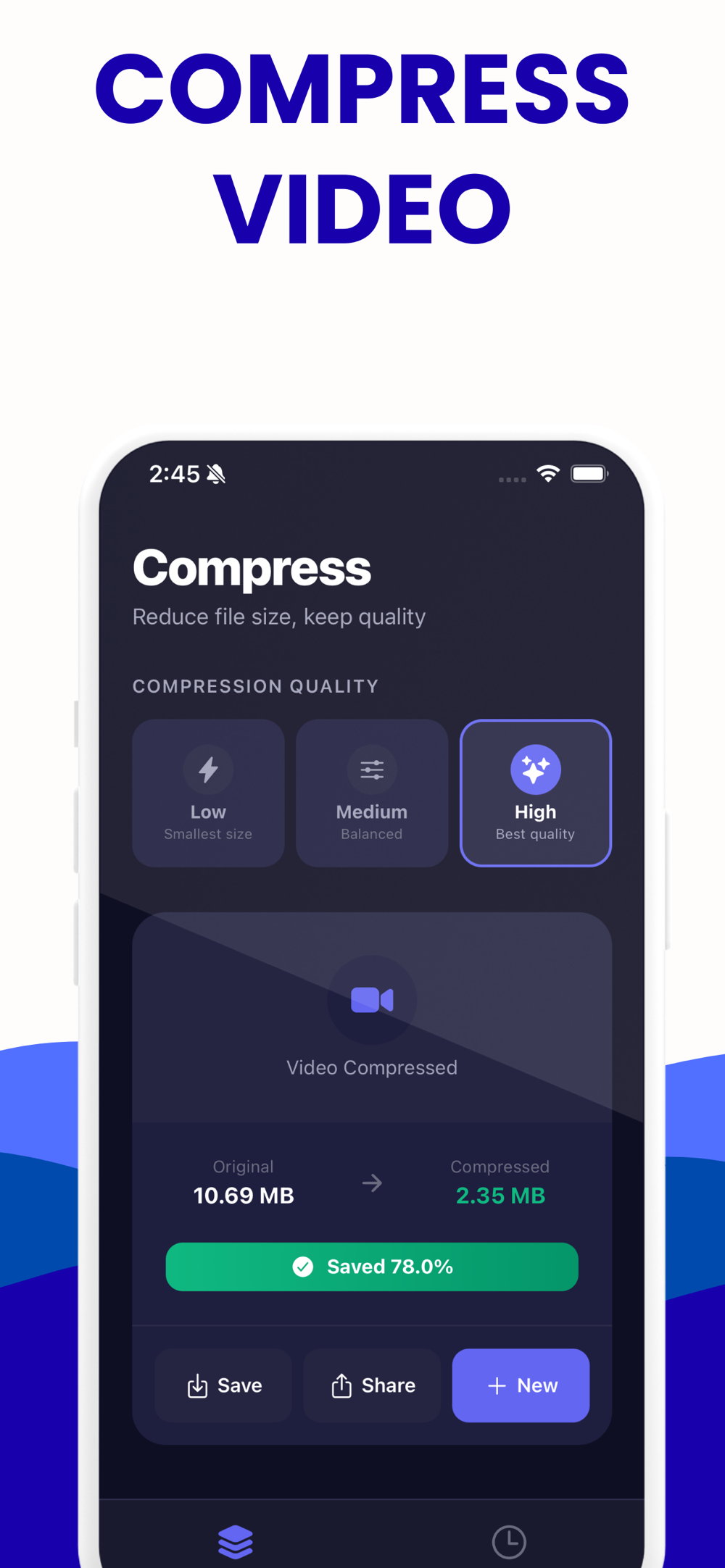
Compress videos on the phone where they already live. The app uses the iPhone's hardware encoder, so it is much faster than any browser tab - including this site's.
Free to try on iPhone · No ads · Nothing is uploaded
What it looks like

Free to try on iPhone · No ads · Nothing is uploaded
What the app does
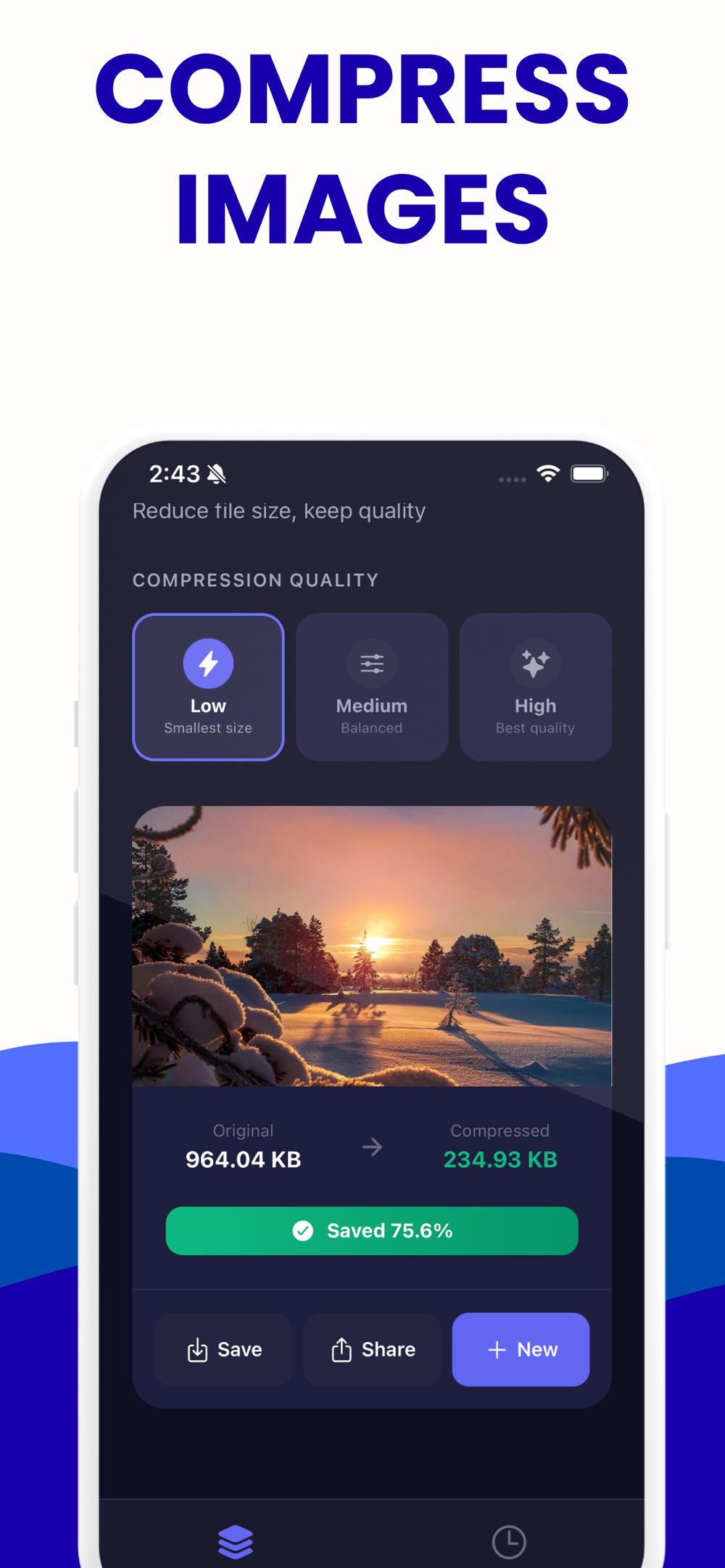
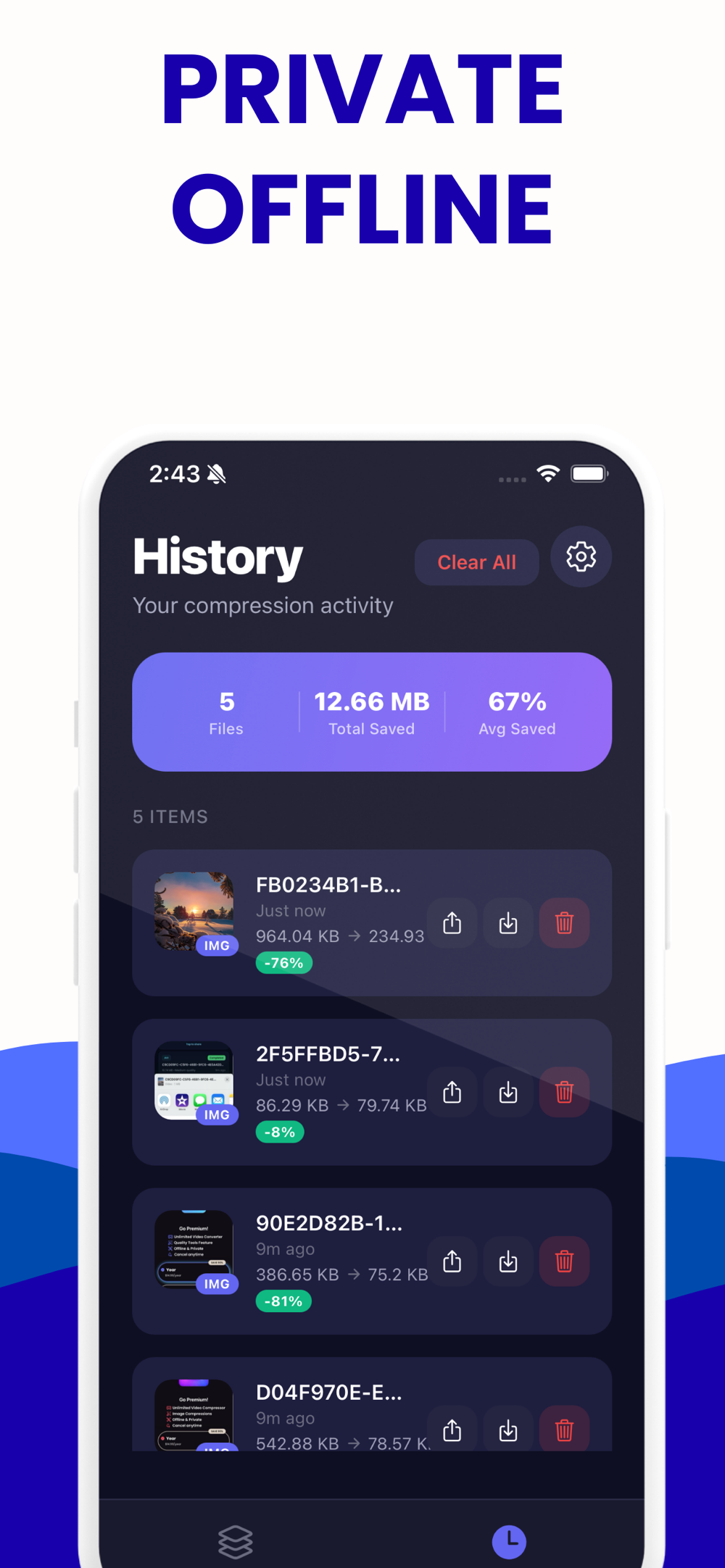
Pick a video from your camera roll or Files, choose Low, Medium or High, and it compresses on the device. Finished jobs land in a History tab with the original size, the new size and how much was saved, so you can re-share or re-save without compressing again.
Each preset is a resolution cap and a bitrate target together: Low is 640 px at 1 Mbps, Medium is 1280 px at 2.5 Mbps, High is 1920 px at 5 Mbps. Each is also capped relative to the source bitrate, which is what stops an already-small clip from being re-encoded into a bigger file.
It is free to try: the first compression is free, after which a one-off upgrade removes the limit. No ads, no account, and nothing is uploaded - the compression runs on the device, exactly like this website runs it in your tab.
App or browser?
Use the app when the video is already on your phone, when it is long or 4K, or when you compress often enough that speed matters. Use this site when you are on a laptop, when you need to hit an exact file size, or when you would rather not install anything.
| This website | iPhone app | |
|---|---|---|
| Runs | In your browser tab | On the phone |
| Speed | One WebAssembly thread | Hardware encoder - far faster |
| Target an exact size | Yes | No - three presets |
| Cost | Free, unlimited | One free compression, then a one-off upgrade |
| Big files | Up to about 2 GB | Limited only by the phone |
| Uploads anything | No | No |
About the app
Short answers here, the full story in the guides.
Why is my video so large in the first place?
Almost always resolution and frame rate. 4K at 60 fps carries eight times the pixels per second of 1080p at 30, and phones record at generous bitrates to survive editing. Downscaling to 1080p typically removes far more size than any quality slider.
Why is it slower than an upload-based compressor?
Because their servers have many CPU cores and hardware encoders, and this has one WebAssembly thread in your browser. You are trading time for your file never leaving your machine. Downscaling first makes it dramatically faster, since the cost is per output pixel.
Does it work on a phone?
It runs in mobile browsers, but a phone has far less memory to spare, so keep clips short. If you are compressing on a phone regularly, the iPhone app uses the hardware encoder and is much faster.
Can I compress several videos at once?
Not yet — one file at a time, in the tab. The compressor holds the whole file in memory, and running several at once is the fastest way to hit the browser's memory ceiling.
Will the compressed video still play everywhere?
With the H.264 MP4 default, yes: phones, browsers, TVs, editors and social apps all accept it. If you choose H.265, check the destination first — that is the one setting here that can produce a file something refuses to open.
My file got bigger after compressing. Why?
You asked for a bitrate higher than the source already used. Re-encoding never recovers detail, so the safeguard is to compare the output's bitrate with the original's, which the tool shows you before you start.
Learn more: Why Did My Video Get Bigger After Compressing? →
Compress in the browser instead
Compress a video for email
Targets 20 MB by default.
Open the compressor →Compress a video for Discord
Targets 9 MB by default.
Open the compressor →Compress a video for WhatsApp
Targets 15 MB by default.
Open the compressor →Compress a video to 8 MB
Targets 7.5 MB by default.
Open the compressor →Compress a video to 25 MB
Targets 24 MB by default.
Open the compressor →Compress an MP4
Quality-based, no target to pick.
Open the compressor →Compress a MOV file
Quality-based, no target to pick.
Open the compressor →Compress a video for Instagram
Quality-based, no target to pick.
Open the compressor →Reduce a video's file size
Quality-based, no target to pick.
Open the compressor →Compress a 4K video
Quality-based, no target to pick.
Open the compressor →